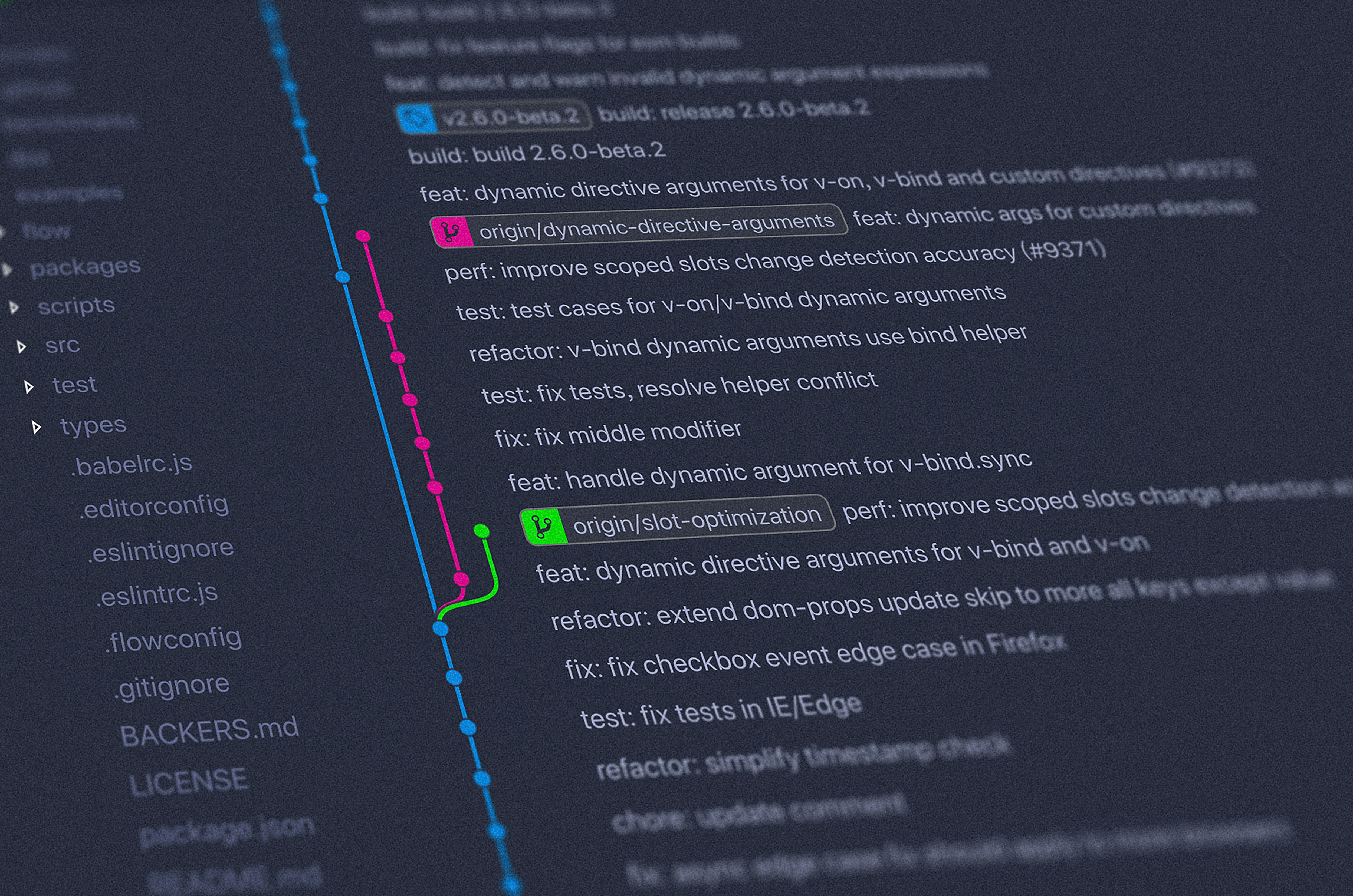
Introduction to Version Control
Version control is a systematic approach to managing changes to documents, computer programs, and data sets over time. It acts as a comprehensive framework that enables multiple users to collaborate on projects while keeping track of modifications, ensuring that historical data and code can be preserved and retrieved when needed. This is particularly significant in the software and data science industries, where teams often work on complex projects that require meticulous oversight and coordination.
At its core, version control allows developers and data scientists to maintain a record of changes, facilitating the rollback to previous states when necessary. This capability is crucial, as it minimizes the risk of losing valuable work due to errors or unforeseen issues that arise during a project’s lifecycle. Furthermore, it supports collaboration, enabling multiple individuals to work on the same codebase or dataset without interfering with one another’s contributions.
Additionally, version control enhances transparency within a project, as it provides a clear history of who made specific changes and why. This is especially beneficial in team settings, where understanding the evolution of the project is essential for ensuring continuity and consistency. Tools such as Git are widely used in the industry to implement version control effectively. Git not only facilitates tracking changes but also allows for branching and merging, giving teams the flexibility to explore new ideas without disrupting the main codebase.
In summary, version control serves as a vital tool in the realm of data science and software development, simplifying collaboration, preserving work, and enabling efficient management of changes over time. Its significance cannot be overstated, as it lays the foundation for successful project development and teamwork in an increasingly complex technological landscape.
Why Version Control is Essential for Data Science
In the rapidly evolving field of data science, maintaining control over versions of data, code, and overall projects is of paramount importance. Version control systems, such as Git, serve as a cornerstone for ensuring smooth collaborative efforts and enhancing the quality and integrity of data-driven findings.
One of the primary reasons version control is vital in data science is its role in facilitating collaborative work. Data science projects often involve teams of analysts, data engineers, and developers who need to work together seamlessly. A version control system allows team members to manage changes in code and datasets effectively, enabling them to track contributions and modifications by different individuals. This collaborative environment not only increases productivity but also mitigates the risk of encountering conflicts during the development of data science models.
Another significant aspect is reproducibility. In data science, the ability to reproduce results is essential for validating findings and ensuring reliability. Version control allows data scientists to create snapshots of their project at various stages, making it easier to recreate analyses and results. By maintaining a clear history of changes, teams can return to past versions of their code or datasets, thus fostering an atmosphere of transparency and verification.
Tracking changes within code and data is yet another critical function of version control systems. Changes can be logged and detailed, allowing data scientists to understand how and when their models evolved. This feature is particularly beneficial when experimenting with different algorithms or when refining the parameters of a predictive model.
Lastly, data science projects often involve handling large datasets that undergo frequent transformations and updates. Version control enables data scientists to manage these changes confidently, providing a reliable system for maintaining datasets alongside the code used to analyze them. This integration significantly improves the workflow and ensures that all team members are aligned, regardless of the size and complexity of the project.
What is Git?
Git is an advanced version control system that has gained immense popularity among developers and data scientists alike. It is an open-source tool, originally developed by Linus Torvalds in 2005, designed to facilitate the tracking of changes in source code during software development. Its robustness makes it exceptionally suitable for collaborative projects, enabling multiple users to work on the same codebase simultaneously without conflicts.
One of the fundamental features of Git is its distributed architecture. Unlike traditional version control systems that rely on a central server, Git allows each contributor to have a complete local copy of the repository. This decentralization not only enhances collaboration but also improves reliability, as the loss of a central server does not compromise the availability of the project’s history.
Git employs several concepts that are vital for version control. These include repositories, branches, commits, and merges. A repository contains the entire history of a project, whereas branches allow users to work on different parts of a project in isolation. Changes made in these branches can later be merged back into the main branch, integrating the work without overwriting the contributions of others. The commit function records changes to the repository’s history, creating a clear audit trail that can be referred back to at any moment.
Additionally, Git’s popularity among data scientists can be attributed to its ability to handle large datasets and complex computational environments. By integrating Git with platforms such as GitHub, data scientists can share their projects with ease, contribute to open-source initiatives, and collaborate effectively, ensuring that their work is both transparent and accessible.
Key Concepts of Git for Data Science
Version control systems, particularly Git, play a crucial role in managing data science projects effectively. Understanding the key concepts of Git can significantly enhance collaboration, project tracking, and code management for data scientists.
A repository is the fundamental unit in Git, providing a storage space for the project files and their history. It can be local on a computer or hosted on platforms like GitHub. In data science, each repository can contain all relevant datasets, scripts, and documentation, allowing data scientists to maintain organized and reproducible workflows.
Commits are snapshots of the project at a specific point in time. Every time a data scientist makes changes to the files in the repository, they can commit these changes to document their progress. Commits serve as milestones, enabling scientists to return to earlier project states if necessary, which is invaluable during exploratory data analysis and model development.
In Git, branches allow users to diverge from the main line of development and continue to work separately without affecting the main codebase. This is particularly useful in data science when testing different models or approaches. Once the work on a branch is complete, it can be merged into the main branch, incorporating the new changes and contributing to the overall project.
The process of merging involves integrating changes from different branches into a single branch. This ensures that all contributions are captured and can be reviewed collectively, promoting collaborative efforts in data science projects when multiple collaborators are involved.
Lastly, a clone is a copy of a repository that allows data scientists to work on their local machine while retaining the link to the original hosted repository. Cloning is essential for collaborating on shared projects, enabling data scientists to contribute without directly affecting the source. Understanding these core Git concepts is vital for any data scientist looking to streamline their work and collaborate effectively.
Setting Up Git for Your Data Science Projects
To begin utilizing Git in your data science projects, the first step involves installing Git on your local machine. Git is available for various operating systems including Windows, macOS, and Linux. For Windows users, downloading the setup file from the official Git website and proceeding with the installation wizard is straightforward. macOS users can install Git using Homebrew by executing the command brew install git. For Linux distributions like Ubuntu, you can install Git via the terminal with sudo apt-get install git. Once installed, you can verify the installation by running git --version, which should display the current version of Git.
After successful installation, the next step is to configure your Git environment by setting your user name and email. This information is crucial as it is linked to your commits. Run the following commands in your terminal or command prompt:
git config --global user.name "Your Name"
git config --global user.email "youremail@example.com". By configuring these settings globally, you ensure that every Git repository you interact with reflects this identity.
With Git installed and configured, the next phase is to initialize a new repository for your data science project. Navigate to your project directory using the command line and execute git init. This command creates a new subdirectory named .git, which houses all the necessary files Git requires to manage version control within your project.
Familiarizing yourself with essential Git commands is vital for effective usage. Start with git add to stage changes, git commit to commit those changes with a descriptive message, and git status to check the status of your repository. These basic commands lay the groundwork for more advanced functionalities, enabling you to manage your data science projects with ease and efficiency.
Best Practices for Using Git in Data Science
Version control systems like Git play a crucial role in managing data science projects, where collaboration and iterative improvements are pivotal. Adopting best practices while using Git can tremendously enhance the efficiency and effectiveness of these projects.
One of the primary best practices is to maintain clear and concise commit messages. Each commit should have a message that accurately describes the changes made, enabling team members to track the project’s evolution and understand the rationale behind each modification. For formatting, it is advisable to use imperative mood and to limit the message to around 50 characters. This not only improves readability but also aligns with the convention used in the wider Git community.
Branch management is another critical aspect. Organizing work into separate branches for different features or fixes allows for parallel developments without conflicting changes. It is recommended to create branches that are relevant to specific tasks and to regularly merge changes into the main branch. This avoids the last-minute integration issues encountered when merging larger volumes of code accumulated over long periods.
Moreover, committing regularly is a vital practice. Frequent commits minimize the risk of losing work and make it easier to identify when and why changes were made. It is generally advisable to commit after completing a small, logical unit of work, which helps maintain a detailed history of the project.
Finally, when working collaboratively, adhering to established workflows and protocols can streamline the development process. Making use of pull requests allows for code reviews and discussions around changes, ensuring that all team members are aligned and can contribute to the project’s direction.
Common Git Workflows for Data Science Projects
In data science projects, employing effective Git workflows is crucial for managing code, data, and collaboration among team members. Two of the most commonly utilized workflows are the feature branching workflow and the GitFlow model. These approaches help to streamline collaborative efforts, reduce merge conflicts, and enhance overall productivity in complex projects.
The feature branching workflow is centered around the concept of creating a new branch specifically for the development of a feature or a modification. This approach allows team members to work on new features independently without affecting the stability of the main branch, usually known as main or master. Once the feature is fully developed and tested, it can be merged back into the main branch. This method not only facilitates parallel development but also encourages a cleaner and more organized project history.
On the other hand, the GitFlow model takes the feature branching workflow a step further by adding a structured process to handle feature development, releases, and maintenance. It typically employs multiple branches including develop, release, and hotfix, which define specific purposes for each branch. The develop branch serves as the integration branch for features, while release branches are used when the project is nearing completion. This organization allows data science teams to manage parallel development efforts and stay focused on specific stages of their work, ensuring smooth transitions from development to production.
Incorporating these workflows in data science projects not only enhances team collaboration but also brings a level of discipline that is often necessary when dealing with data-driven applications. It aids in version control, allowing teams to track progress, manage changes, and revert to previous versions when needed.
Troubleshooting Common Git Issues
Version control systems such as Git are invaluable for data scientists, enabling efficient management of code changes and collaboration. However, users often encounter specific challenges while using Git, particularly in the context of data science workflows. Addressing these common issues is essential to maintaining productivity and ensuring data integrity.
One prevalent problem is the occurrence of merge conflicts, which happen when Git cannot automatically reconcile changes made to the same line in different branches. To resolve merge conflicts, users can utilize Git’s built-in conflict markers. By carefully reviewing conflicting sections in the affected files, users can manually select which changes to keep, delete, or combine. After resolving all conflicts, it is crucial to stage the changes and complete the merge process with a commit.
Another concern for users is the risk of losing commits. This can occur if commits are made on a branch that is not pushed to a remote repository or if there are abrupt interruptions during a commit operation. To recover lost commits, users can leverage the git reflog command. This command prompts Git to display a log of all actions taken in the repository, including previous commits that may not be visible in the normal log. By identifying the lost commit, users can restore it by checking out the corresponding commit hash.
Lastly, making mistakes during Git operations is common. If an erroneous commit is made, users can reverse a commit using git reset for uncommitted changes or git revert for changes that have already been pushed to a remote repo. Understanding these commands allows users to effectively correct errors while preserving their project’s integrity.
Conclusion and Further Resources
Version control, particularly through the use of Git, has become an indispensable tool in the realm of data science. Its importance lies not only in the management of code but also in fostering collaboration among team members. By enabling data scientists to track changes, revert to earlier versions, and maintain a comprehensive history of their projects, Git significantly enhances efficiency and productivity. As data science projects often involve large datasets and complex algorithms, the ability to manage these elements systematically through version control is crucial for successful outcomes.
Furthermore, Git facilitates a smoother workflow when multiple contributors are involved, allowing for individual experimentation while preserving the integrity of the main project. The branching and merging features of Git enable data scientists to develop new features or fix bugs without disrupting the primary codebase. In essence, adopting Git in data science projects can lead to improved organization, enhanced collaboration, and reduced errors.
For individuals keen on deepening their understanding of version control with Git, numerous resources are available. Several highly recommended books include “Pro Git” by Scott Chacon and Ben Straub, which provides an in-depth look at Git and its capabilities. Online platforms such as Coursera and Udemy offer comprehensive courses tailored to data science and Git, covering everything from the basics to advanced techniques. Additionally, communities such as Stack Overflow and GitHub Discussions are valuable places for learning from peers, sharing experiences, and seeking assistance.
By leveraging these resources, data science professionals can enhance their proficiency in version control, thereby improving their project management skills and fostering a collaborative environment within their teams.