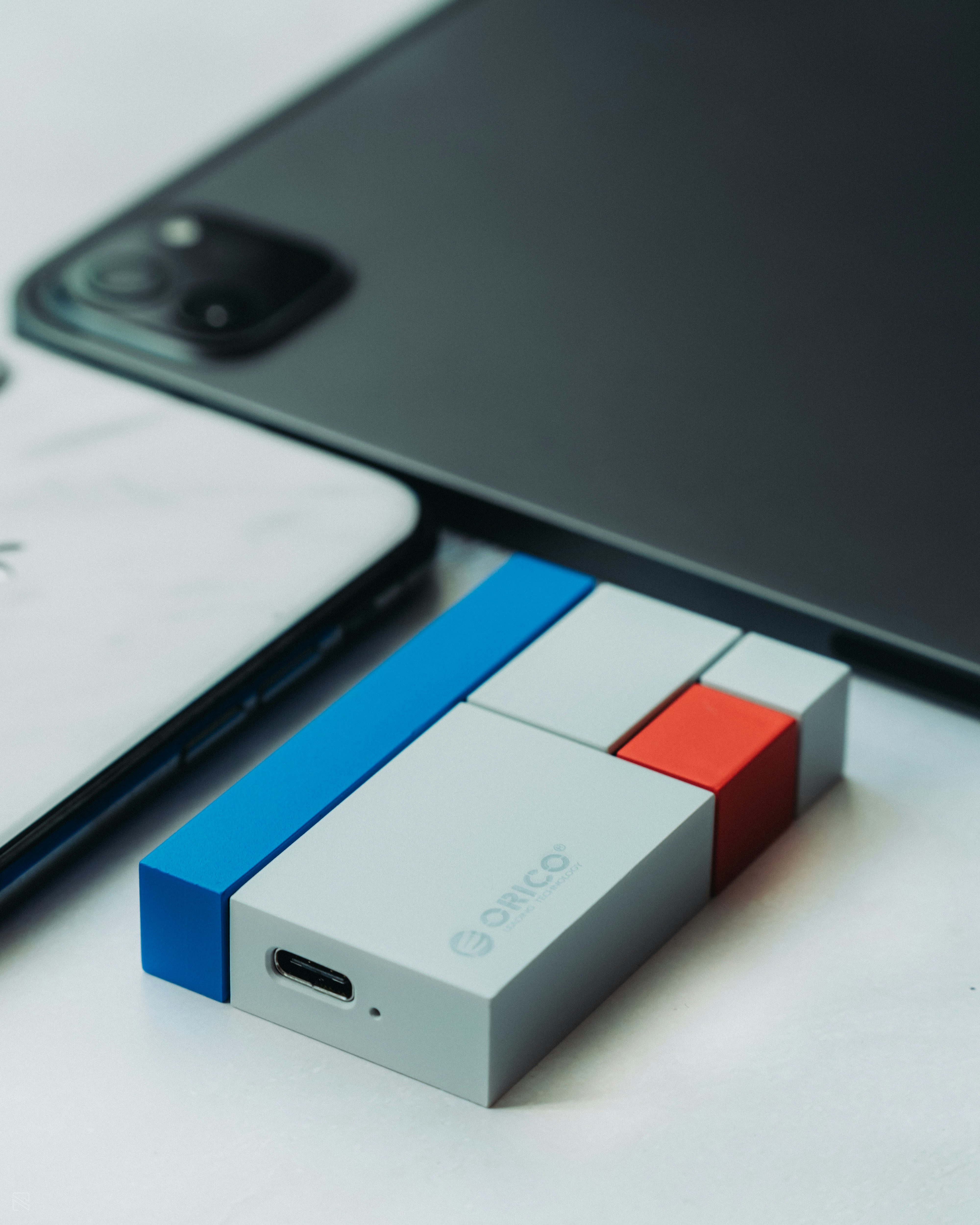
Introduction to USB
Universal Serial Bus, commonly known as USB, serves as a critical technology that has revolutionized data transfer and connectivity. Since its inception in the mid-1990s, USB has evolved to become a ubiquitous standard in the world of computing and electronic devices. Designed to simplify the connection of peripherals to computers, USB has greatly enhanced the user experience by providing a single interface for various devices.
The origins of USB can be traced back to a consortium of prominent technology companies, including Microsoft and Intel. The aim was to create a universal standard that would eliminate the complexity of multiple connectors and protocols, which dominated the landscape at the time. The first version of USB, 1.0, was officially released in 1996, offering data transfer rates of up to 12 Mbps. Over the years, USB technology has seen numerous enhancements, leading to the introduction of higher speed versions, such as USB 2.0, USB 3.0, and the latest USB4, which can deliver astonishing data speeds and support more advanced features.
The significance of USB cannot be overstated; it has laid the foundation for a wide array of devices, from printers to smartphones, and has become a mainstay in both personal and professional environments. USB has not only simplified the way we connect our devices but also paved the way for innovations such as charging capabilities and data transfer across different platforms. As technology continues to advance, understanding USB and its implications in connectivity and data transfer remains paramount for users and manufacturers alike.
The Full Meaning of USB
The acronym USB stands for Universal Serial Bus. It signifies a standard for connecting a wide variety of devices to computers and power sources. The term ‘universal’ emphasizes the broad applicability of this specification across numerous hardware types, enabling devices of different brands and functionalities to interact seamlessly.
Initially developed in the mid-1990s, USB aimed to simplify the connection process by reducing the number of connection types that were required for peripherals. In its essence, a serial bus is a methodology for transferring data where information is sent in a sequential manner, as opposed to simultaneously. This approach optimizes data transmission and enhances efficiency for both input and output operations. With the implementation of USB, devices such as printers, mice, keyboards, and external storage drives could connect to computers with ease.
The flexibility of USB technology is one of its defining characteristics. As a universal interface, USB supports various protocols and allows for plug-and-play functionality, meaning users can connect and disconnect devices without restarting their computers. Furthermore, USB has evolved over the years to offer faster data transfer rates and improved power management through different versions, including USB 1.0, USB 2.0, USB 3.0, and the latest USB4 specification.
In summary, USB stands for Universal Serial Bus, a term that captures the essence of a versatile and efficient standard for data transfer and connectivity. Its universal nature and serial bus mechanism have made it an essential component in modern computing and electronic communication.
The Development of USB Standards
The Universal Serial Bus (USB) has evolved significantly since its inception, with various standards introduced to meet the growing demands for speed and functionality in data transfer and device connectivity. It all began with USB 1.0, introduced in January 1996, which provided a maximum bandwidth of 12 Mbps. This standard allowed for the connection of peripherals, such as keyboards and mice, but its speed limitations prompted the development of improved versions.
In April 2000, USB 2.0 was released, enhancing performance dramatically with a maximum bandwidth of 480 Mbps. This transition catered to the increasing need for faster data transfer as multimedia devices and high-capacity storage devices became prevalent. With USB 2.0, numerous devices could be connected simultaneously, paving the way for its widespread adoption.
The next significant advancement came with the introduction of USB 3.0 in November 2008. This standard offered an impressive upgrade, supporting speeds up to 5 Gbps, significantly improving data transfer rates. USB 3.0 was later enhanced to USB 3.1, which further increased the bandwidth to 10 Gbps, and was designed to be backward compatible with older USB versions. The introduction of USB Type-C connectors also marked a monumental shift, allowing for reversible connections and supporting various protocols such as Thunderbolt.
Most recently, USB4 was announced in 2019, elevating performance with a maximum throughput of 40 Gbps, while maintaining compatibility with USB 3.2 and Thunderbolt 3 devices. This standard focuses on unifying various data protocols under a single cable, thereby simplifying the user experience and enhancing the efficiency of device interactions.
Key Features of USB Technology
Universal Serial Bus (USB) technology is renowned for its multifaceted features, which have contributed to its widespread adoption in various electronic devices. One of the most significant highlights of USB is its impressive data transfer speeds. Over the years, USB technology has evolved through various versions, including USB 1.0, USB 2.0, USB 3.0, and the latest USB 4.0. Each version brought enhanced data transfer rates, with USB 3.2 capable of achieving speeds up to 20 Gbps, making it suitable for high-speed data transfers such as video files and large software packages.
Another vital aspect of USB technology is its power delivery capabilities. Unlike traditional communication ports, USB can deliver power alongside data transmission. This feature allows devices to charge while simultaneously communicating data. USB Power Delivery (USB PD) specifications enable devices to utilize high power levels, with some configurations capable of delivering up to 100 watts. This capability is particularly beneficial for charging power-hungry devices like laptops and tablets.
Furthermore, USB technology is celebrated for its plug-and-play functionality. This allows users to connect and disconnect devices without needing to restart the computer or manually configure settings. This ease of use simplifies the process of connecting peripherals such as mice, keyboards, and external hard drives. The widespread adoption of USB technology is largely due to its compatibility with various operating systems and devices, which makes it an attractive option for both manufacturers and consumers alike.
Overall, the combination of high-speed data transfer, efficient power delivery, and user-friendly plug-and-play functionality distinguishes USB technology from other communication protocols. These key features facilitate seamless connectivity and enhance user experience in an increasingly digital world.
Types of USB Connectors
The Universal Serial Bus (USB) interface has evolved significantly since its inception, leading to the development of various types of USB connectors. Each of these connectors serves distinct purposes, ensuring compatibility across a wide range of devices.
One of the most recognized types is the USB-A connector. This rectangular connector is commonly found on computers, laptops, and many peripheral devices such as keyboards and mice. USB-A connectors primarily serve as host connectors, enabling communication with other devices.
In contrast, the USB-B connector features a square shape with beveled corners. It is typically used for larger devices, such as printers and external hard drives. The USB-B connector functions as a device connector, receiving data from the host.
Another critical type is the USB-C connector, which has rapidly gained popularity due to its versatile design. USB-C connectors are reversible, allowing users to connect devices without worrying about the orientation. This type supports faster charging and data transfer rates, making it suitable for everything from smartphones to laptops. Furthermore, USB-C can power multiple devices while simultaneously transferring data, enhancing its usability.
Lastly, the Mini USB connector, although less common today, was once widely used with portable devices such as digital cameras and MP3 players. Due to its compact size, it was ideal for mobile devices, but has since been largely replaced by the USB-Micro and USB-C standards.
Understanding these various forms of USB connectors is imperative as they shape how devices communicate with each other. Each type plays a crucial role in ensuring seamless data transfer and charging capabilities across diverse electronic devices.
The Role of USB in Modern Devices
Universal Serial Bus (USB) technology has become a pivotal component in the evolution of modern devices. Its introduction reshaped the way we connect and communicate with a myriad of gadgets, spanning personal computers, smartphones, printers, and additional peripherals. Initially developed in the mid-1990s, USB was designed to simplify connections by providing a standardized interface for data transfer and power supply. This approach not only replaced a multitude of legacy ports but also significantly enhanced the user experience.
In contemporary computing, USB interfaces are prevalent in both hardware and software applications. Laptops and desktops generally feature multiple USB ports, accommodating various devices, from external hard drives to wireless mouse dongles. The versatility of USB is showcased through the adoption of different versions, such as USB 2.0, 3.0, and the latest USB-C, which supports faster data transfer rates and charging capabilities. This adaptability further cements USB’s position as a necessary component in the functionality of personal computers.
Smartphones also extensively utilize USB technology, facilitating rapid charge times and enabling data synchronization with computers. The widespread integration of USB in mobile devices elevates its importance in daily life, where fast connectivity options are crucial. Printers and scanners have adopted USB to streamline their operation, allowing for straightforward plug-and-play setups. Furthermore, numerous accessories, including game controllers and external keyboards, leverage USB connectivity for seamless integration with various devices.
In essence, the construction and implementation of USB technology in modern devices signify its vital role in the seamless user experience. As technology continues to advance, the reliability and flexibility of USB interfaces ensure their ongoing relevance in everyday applications, making them a universal standard in digital communication.
Future of USB Technology
As we look ahead, the future of USB technology holds promising advancements that are poised to revolutionize connectivity and data transfer standards. Central to this evolution is the rapid adoption of USB-C technology, which is increasingly being recognized for its versatility and efficiency. Unlike its predecessors, USB-C combines data, video output, and charging capabilities into a single compact connector. This transition not only simplifies the user experience but also enhances convenience and performance, making it a staple in modern devices.
Furthermore, as data transfer demands grow with the proliferation of high-resolution content and the Internet of Things (IoT), the importance of standardized protocols such as USB 4.0 cannot be overlooked. This next-generation USB standard significantly elevates data transfer speeds, potentially reaching up to 40 Gbps. With advancements like this, USB technology is likely to play an integral role in supporting high-bandwidth applications, including virtual reality, augmented reality, and 8K video streaming.
In addition to performance enhancements, the trend towards universal compatibility is expected to continue. The push for standardized charging solutions that utilize USB-C is likely to become more pronounced, helping to reduce electronic waste and enhance sustainability. Many manufacturers are already moving towards producing an assortment of devices that are USB-C compatible, establishing a universal charging ecosystem that benefits consumers and the environment.
Moreover, innovative features such as Power Delivery (PD) are expected to become standard across more devices, allowing for faster charging and improved power management. This enhancement is essential in a world that requires efficient power consumption, especially as mobile devices become more power-hungry. Ultimately, the future of USB technology seems bright, with continued advancements paving the way for enhanced user experiences and greater interoperability across various gadgets and applications.
Common Myths and Misconceptions About USB
USB technology has become a fundamental element of modern computing and electronics, yet several myths and misconceptions continue to circulate among users. One prevalent myth is that all USB devices are universally compatible. While USB standards such as USB-A and USB-C have been widely adopted, not every device can interoperate seamlessly. Users might encounter devices that, although they share a USB interface, require specific drivers or software to function correctly. Hence, compatibility is not solely dependent on the physical connection but also on the underlying technology.
Another misconception is regarding the charging capabilities of USB ports. Some users believe that all USB ports deliver the same power output, but this is not true. USB specifications indicate varying power delivery across different types, such as USB 2.0, USB 3.0, or USB-C, significantly affecting charging times and compatibility with devices. For instance, while USB-C supports fast charging, not every device with a USB-C port supports high power output, leading to confusion among consumers. Users should pay attention to their device specifications and charging requirements to avoid potential issues.
There is also confusion surrounding USB data transfer speeds. Many users assume that the physical USB connector type directly correlates with data transfer speed. While newer standards like USB 3.0 and USB 3.1 provide enhanced speed capabilities, older connectors do not guarantee high-speed performance. Furthermore, the performance can also be influenced by the quality of the cable and the device itself. This disparity can mislead users into thinking their devices are underperforming simply due to the USB connection used.
By addressing these common misconceptions, users can better understand USB technology’s capabilities and limitations, leading to a more efficient and satisfactory experience when utilizing various USB-enabled devices.
Conclusion
In summary, understanding what USB stands for is crucial for anyone engaged with modern technology. USB, or Universal Serial Bus, has evolved significantly since its inception, becoming an integral part of daily electronic interactions. Originating as a means to standardize connections between various devices, USB has expanded its reach across multiple formats, such as USB 2.0, USB 3.0, and USB-C, each iteration enhancing performance and user experience.
The role of USB in facilitating data transfer and power delivery cannot be understated. It enables seamless communication between computers, smartphones, peripherals, and other devices, establishing it as the backbone of connectivity in the tech landscape. Furthermore, as we explore next-generation technologies like USB4, the relevance of understanding USB terminology and functionality grows, particularly for consumers and tech enthusiasts seeking to maximize their device capabilities.
For those navigating the complexities of device compatibility, being informed about USB standards serves not only to enhance personal efficiency but also to improve overall satisfaction with technology. Ultimately, recognizing the significance of USB and what it stands for empowers users to make informed decisions, ensuring that they can effectively utilize devices and peripherals in an increasingly interconnected world.