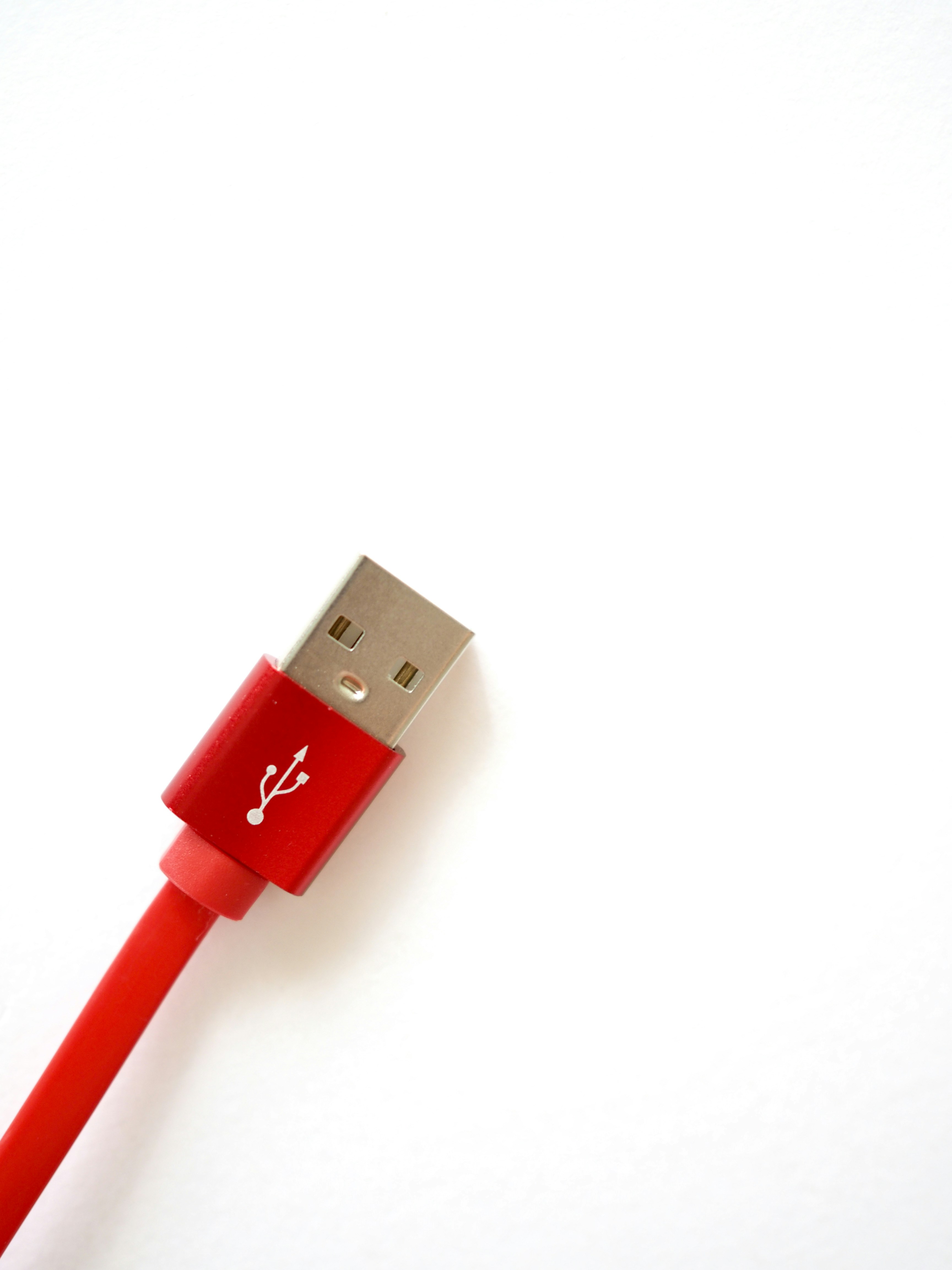
Introduction to USB 2.0 Technology
Universal Serial Bus (USB) 2.0 technology has become a fundamental standard for data transfer and power supply across various electronic devices. Since its introduction, USB 2.0 has played a crucial role in enhancing connectivity in a myriad of applications, from computers to peripherals like printers, cameras, and mobile devices. The widespread adoption of USB 2.0 can be attributed to its ease of use, reliable performance, and the efficient ability to connect multiple devices simultaneously.
At its core, USB 2.0 facilitates communication through a set of protocols that define how data is transmitted. With a maximum data transfer rate of 480 Mbps, USB 2.0 ensures rapid file transfers and efficient device operation. This capacity for quick data exchange has made it a preferred choice for both personal and professional usage, wherein speed and reliability in transferring large volumes of data are paramount.
Understanding the structure of a USB 2.0 cable is essential not only for everyday users but also for technicians who might need to troubleshoot or repair issues related to connectivity. A typical USB 2.0 cable consists of four internal wires: two for power and two for data transfer. Each wire plays a specific role, and knowing how they work together can help users appreciate the technology more deeply.
Moreover, the USB 2.0 standard has paved the way for newer versions of USB technology, including USB 3.0 and USB-C, which offer even faster data transfer rates and improved features. Nevertheless, familiarity with the USB 2.0 structure is vital, as it lays the groundwork for understanding more advanced technologies. Learning about this technology not only benefits users in navigating their devices but also equips technicians with the necessary insights for maintenance and repair tasks.
Overview of USB Cable Structure
Understanding the structure of a USB 2.0 cable is pivotal for anyone interested in electronics or computer hardware. The construction of this cable comprises several key components, including the outer jacket, connectors, and internal wiring. The jacket serves not only as a protective layer but also as a means to ensure durability against wear and environmental factors.
The outer jacket of the USB 2.0 cable is typically made from a flexible yet sturdy plastic material, which safeguards the internal components from physical damage. This insulation is essential for shielding the wires from electromagnetic interference and ensuring signal integrity. The connectors at the ends of the cable can typically be identified as either Type-A or Type-B, each serving a specific purpose. Type-A connectors are commonly used for host devices like computers, while Type-B connectors are often found on peripheral devices such as printers.
Internally, a USB 2.0 cable contains four primary wires: two for power and two for data transmission. The power wires, usually colored red and black, are responsible for delivering a voltage of 5 volts to the device, allowing for charging and operational functionalities. Conversely, the data wires, typically colored white and green, facilitate data transfer between the device and the host. These signal wires are twisted together to minimize interference, which enhances the overall performance and reliability of the cable.
As we delve deeper into the workings of a USB 2.0 cable, it becomes apparent that each component plays a crucial role in its functionality. Whether assessing the design of the connectors or examining the intricacies of the internal wiring, understanding the entirety of its structure provides a context for comprehending its purpose and efficiency in computing and data transfer applications.
The Function of Each Wire in USB 2.0 Cables
A standard USB 2.0 cable comprises four distinct wires, each serving a crucial function that contributes to the overall performance of the cable. These wires are categorized as power supply, ground, data positive, and data negative. Understanding the role of each wire can enhance one’s comprehension of how USB technology operates and its applications in various devices.
The first wire is the power supply wire, often referred to as VBUS. This wire is responsible for delivering a voltage of +5 volts from the host device to the powered device, such as a smartphone, tablet, or other peripherals. The power supply is fundamental for charging devices and ensuring they function correctly when connected to a computer or power adapter.
The second wire serves as the ground or GND wire. This wire provides a common return path for the electrical current, ensuring stable and reliable operation. The ground connects various components of a device to complete the circuit, which is essential for safety and functionality, preventing issues related to electrical interference.
Next, the data positive wire, often denoted as D+, is specifically designed for transmitting data from the host to the connected device. This wire facilitates the transfer of binary data, allowing for communication and data exchange between devices over the USB interface.
Simultaneously, the data negative wire, referred to as D-, works in conjunction with the data positive wire to enable differential signaling. By using both D+ and D- wires, USB 2.0 can effectively reduce electromagnetic interference, enhancing data integrity and transmission speed.
In summary, the functionality provided by these four wires—power supply, ground, data positive, and data negative—is critical for the operation of USB 2.0 cables. Each wire plays a distinct role in ensuring efficient power delivery and reliable data communication, making USB technology a vital component in modern electronic devices.
Power Wire: Function & Importance
The power wire in a Standard USB 2.0 cable plays a crucial role in supplying voltage to connected devices. This wire is responsible for carrying electrical current, which facilitates the charging and operational functionality of various devices such as smartphones, tablets, and peripherals. Typically, the power wire operates at a voltage level of 5 volts, aligning with the USB 2.0 specification. This standardized voltage is essential for ensuring that devices receive a consistent and safe amount of power to charge their batteries or to function effectively without risking damage to the internal components.
One of the primary functionalities of the power wire is its role in device charging. For instance, when users connect their smartphones to a power source via a USB 2.0 cable, it is the power wire that carries current from the charger to the device’s battery. This process is vital, as it enables the battery to recharge and maintain the device’s performance. Additionally, not only does the power wire supply power for charging, but it also supports the device’s operation when plugged in, effectively allowing users to run applications and services without relying solely on battery power.
The significance of the power wire extends beyond merely providing voltage. It ensures compatibility and safety during charging processes. Without a reliable power wire, devices might experience slower charging or even pose risks of overheating and electrical failure. Thus, the integrity of this wire is paramount in maintaining both the efficiency and safety of USB connections. As technology continues to advance, the importance of the power wire in the ecosystem of USB cables remains a foundational element, underscoring its essential utility in connecting and powering modern devices.
Ground Wire: Role in Connectivity
The ground wire located within a standard USB 2.0 cable serves a critical function in ensuring reliable connectivity between devices. In a USB connection, the ground wire is essential for establishing a common reference point for electrical signals. This reference point is necessary as it allows for a stable flow of electricity, thereby facilitating proper communication between the host device and the peripherals connected through the USB interface.
One of the primary roles of the ground wire is to create a complete electrical circuit. When the ground wire is connected, it provides a pathway for excess current; without it, devices might experience electrical noise or fluctuation, leading to potential data corruption or connection instability. This function is especially vital when USB devices draw varying amounts of power, as it aids in maintaining a consistent voltage level throughout the cable.
Furthermore, the significance of the ground wire extends to its influence on electromagnetic interference (EMI). By properly grounding the connection, the USB 2.0 cable can minimize the impact of external sources of interference, ensuring that data transmission occurs smoothly. This aspect is particularly important in environments where multiple electronic devices operate simultaneously, as interference can severely disrupt signal integrity.
In summary, the ground wire within a USB 2.0 cable is pivotal for providing a stable electrical foundation, enabling seamless connectivity, and reducing potential interruptions caused by electrical noise. Understanding this wire’s role highlights its importance in enhancing the overall performance and reliability of USB connections in various applications.
Data Positive Wire: Understanding Data Transmission
The data positive wire, often abbreviated as D+, is a critical component of the USB 2.0 cable, playing an essential role in the data transfer between connected devices. It serves as the primary channel through which data is sent from a host device, such as a computer, to a peripheral device, like a printer or camera. Understanding the functioning of the D+ wire is key to grasping how USB connections enable efficient communication.
In a USB 2.0 setup, the D+ wire transmits data using a differential signaling method. This technique involves sending two complementary signals, which enhances noise immunity and allows for reliable transmission even in electrically noisy environments. When a logical high signal is applied to the D+ line, it indicates a binary ‘1’, while a logical low represents a binary ‘0’. This binary signaling enables the host and device to communicate by exchanging small packets of data, essentially encoding digital information for the transfer process.
Moreover, the D+ wire operates at a maximum data transfer rate of 480 Mbps, which is significantly higher than its predecessor, USB 1.1. This capability allows for the rapid exchange of files, audio, video, and other types of data. Additionally, the D+ line works in tandem with the data negative wire (D-) to facilitate full-duplex communication, meaning that devices can send and receive data simultaneously, further improving performance and efficiency.
In terms of specifications, the D+ wire is typically an insulated copper conductor and is usually paired with the D- wire to ensure both wires maintain a consistent impedance during operation. The effectiveness of data transmission over the D+ line is vital for the overall functionality of USB devices, making it an indispensable aspect of modern connectivity.
Data Negative Wire: Complementing Data Transfer
The data negative wire, commonly referred to as the D- wire, plays a crucial role in the data transfer mechanism of a USB 2.0 cable. This wire operates in conjunction with its counterpart, the data positive wire (D+), to facilitate the transmission of data between interconnected devices. The interaction between the two wires enables full-duplex communication, meaning data can be sent and received simultaneously, thereby enhancing the overall efficiency of data exchange.
When data is transmitted, the signal on the D- wire represents the inverse of the signal on the D+ wire. This complementary relationship is essential for achieving a reliable transfer by ensuring that variations in the digital signals are accurately captured. The differential signaling method utilized by these two wires provides better noise immunity, leading to improved data integrity. As electrical noise can often interfere with data transmission, the negative wire helps to mitigate these disruptions by maintaining a balanced electrical environment around the signals.
Several factors can affect the integrity and speed of data transfer, including the quality of the cable, the length of the wire, and the efficiency of connected devices. High-quality USB 2.0 cables are designed to minimize attenuation and distortion of the signals traveling via the D- and D+ wires, thereby preserving the signal integrity over longer distances. Additionally, the performance of the devices involved plays a pivotal role in how effectively data can be transmitted and processed. Device drivers, bandwidth availability, and the specific USB ports utilized may all influence the overall speed and reliability of data transfer.
Common Issues with USB 2.0 Wires
USB 2.0 cables are widely utilized for data transfer and charging, but they are not immune to various issues that can hinder their performance. One of the most prevalent problems is wear and tear, which often results from repeated bending, twisting, or pulling of the cable. Over time, these physical stresses can lead to frayed wires, which may cause intermittent connection issues or even complete failure. Regular inspection of the cable for visible damage can help in identifying potential problems before they worsen.
Another common issue with USB 2.0 wires is the occurrence of short circuits. A short circuit can occur when the positive and negative wires come into contact with each other due to damaged insulation. This can lead to overheating and, in some cases, may damage the connected devices. If users experience sudden shutoffs or failure to charge when using a USB cable, a short circuit could be the culprit. To prevent this, it is advisable to handle cables with care and avoid sharp bends that might compromise the insulation.
Troubleshooting USB 2.0 wire issues can be approached systematically. First, check the cable for any visible damage, such as cuts or frays. If the cable appears intact, testing it with different devices can help determine whether the problem lies with the cable or the device itself. Furthermore, using a multimeter can help identify issues related to continuity and resistance within the wires. Keeping spare cables handy can also serve as a practical solution for mitigating interruptions caused by faulty wires.
Conclusion: The Importance of Knowing Your USB Cable
Understanding the internal structure of a standard USB 2.0 cable is essential for anyone engaging with modern electronic devices. The USB 2.0 cable comprises four main wires, each serving a unique purpose in ensuring reliable communication and power transfer between devices. These wires include two for power (VCC and Ground) and two for data (D+ and D-), each contributing to the overall functionality and efficiency of USB connections.
Recognizing these components can significantly enhance device interoperability. For instance, knowing which wire serves as ground or power can help troubleshoot issues when devices fail to charge or connect correctly. This understanding allows users to make better decisions when selecting cables for specific applications, ultimately leading to improved performance and longevity of connected devices.
Furthermore, awareness of these internal components encourages users to be more cautious in handling their cables. With a fundamental understanding of the workings of a USB cable, individuals can avoid common pitfalls such as using low-quality cables, which may not have the appropriate wiring for effective data transfer and power delivery. Over time, this knowledge can lead to decreased frustration with electronic devices and a more seamless user experience.
In conclusion, a grasp of the structure and functionality behind the four wires in a standard USB 2.0 cable is invaluable. This knowledge not only aids in problem-solving but also promotes better choices in cable usage, ensuring that users can maintain optimal connectivity and performance in an increasingly digital world.